Styling our Site with CSS
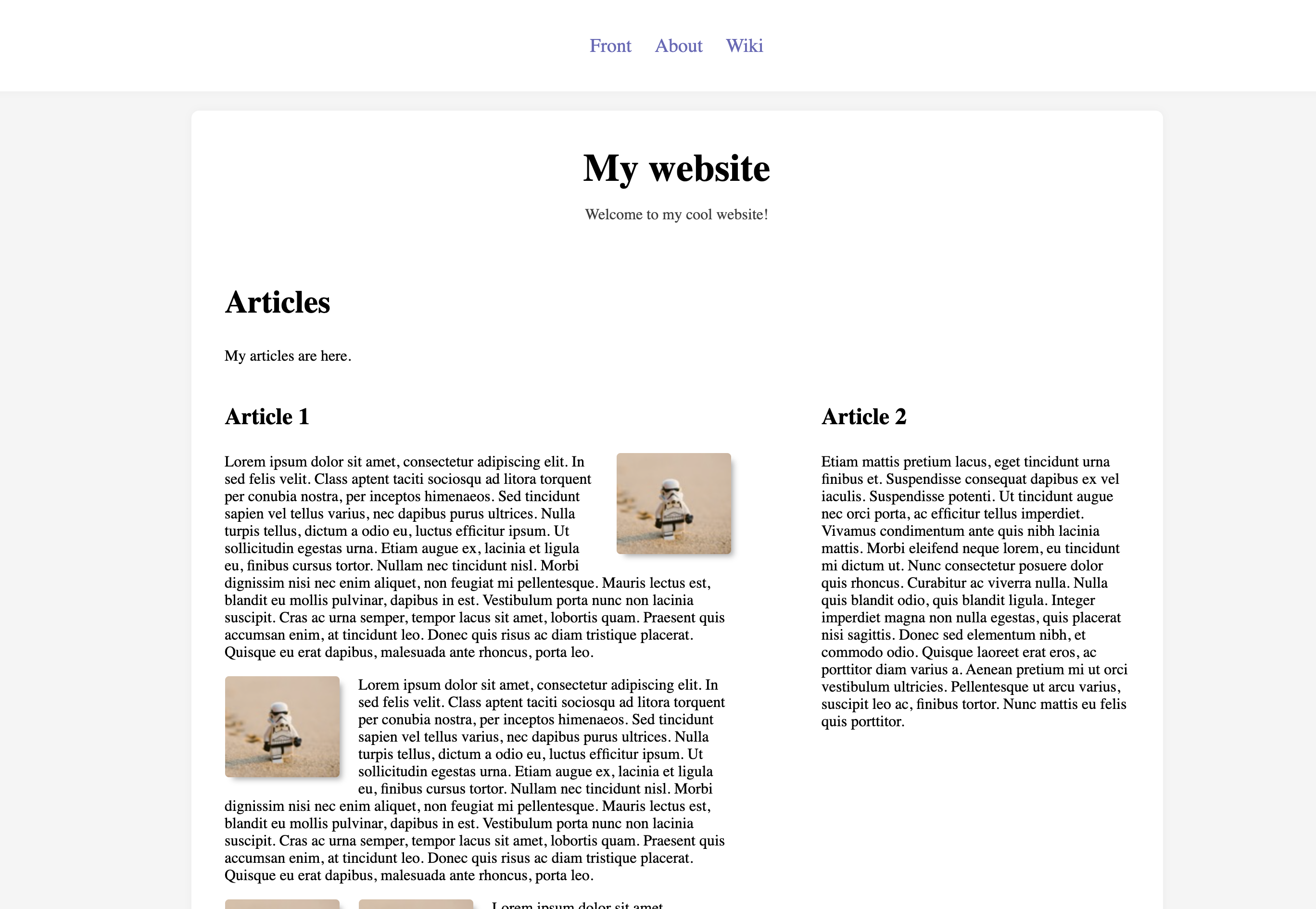
In this lesson we will style our website to look more modern and stylish, something like this:
Tools of the Trade - Color Picker
First thing we need to download so that we can start picking colors from anywhere more easily is a basic color picker. For Mac I recommend an app called ColorSlurp. For Windows there is for example this program called Color Cop. But feel free to use any other software, too.
Picking Colors
On the image above, we can now pick colors. By default usually image pickers use HEX format for storing your color information. One commonly used format is also RGB. On your website you can use both of these image formats, just paste the color code to your CSS property value. For example: **
Challenge 1
Make your index.html page look like something above. You can add new CSS stylesheet for your index.html file.
Challenge 2
Now, change your other pages about.html and wiki.html to look similar to what your index.html page looks like.